[Tips & Tricks] Switching Keyboard Quickly on iPhone
[Tips & Tricks] Switching Keyboard Quickly on iPhone
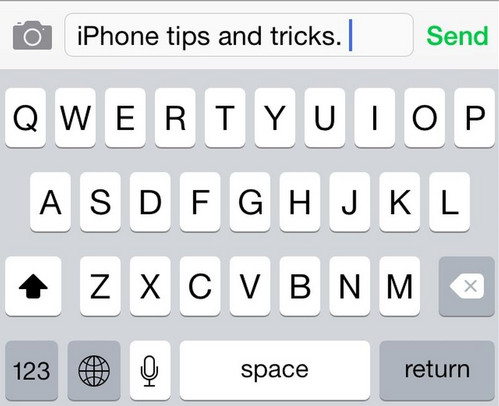
When you want to type a number, it is inconvenient to switch to
numbers, type one number and then switch back to normal keyboard. If you
press and hold the number key and then slide to the number and lift
your finger off, it will type the number and automatically switch back
to previous keyboard.
numbers, type one number and then switch back to normal keyboard. If you
press and hold the number key and then slide to the number and lift
your finger off, it will type the number and automatically switch back
to previous keyboard.
[Tips & Tricks] Switching Keyboard Quickly on iPhone
![[Tips & Tricks] Switching Keyboard Quickly on iPhone]() Reviewed by Unknown
on
11:27
Rating:
Reviewed by Unknown
on
11:27
Rating:


No comments: